
Description
The system check is a function of the virtual classroom, which allows you to test whether your software and hardware meet the virtual classroom’s technical requirements.The system check contains 7 steps:
- Browser check;
- Connectivity check;
- Video playback check;
- Sound check;
- Camera check;
- Microphone check;
- Connection speed check.
System check – in the room
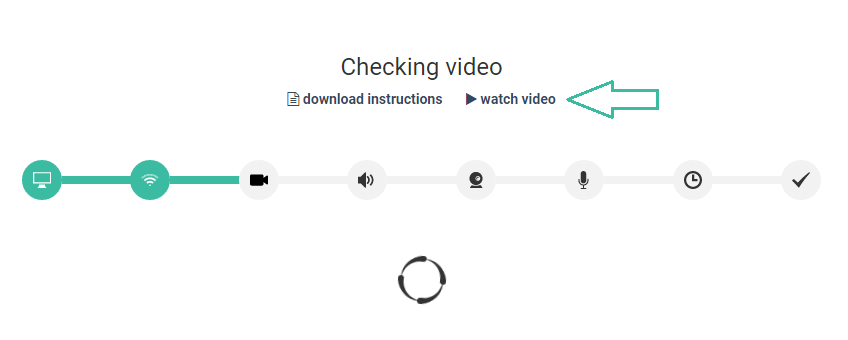
Prior to entering the room, the platform will run a system check in order to determine whether your hardware and software meet the virtual classroom’s technical requirements. The system check runs every time you access the classroom.If you encounter any issues during the check there are instructions and video tutorials on each steps that you can use in order to resolve the issues.
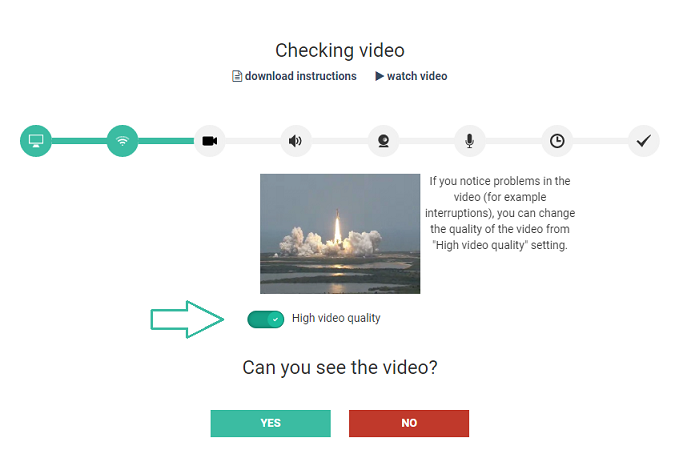
High video quality is on by default. In case you encounter any problems with your connection, you should switch video quality to “low” to improve connectivity.
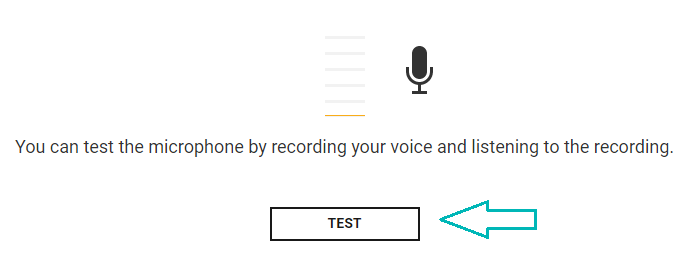
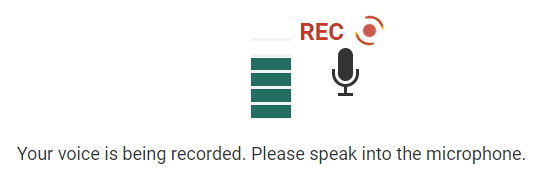
During the microphone check, please talk into the microphone. You will be asked to confirm if you can hear the recording.
After successfully completing the system check you will enter the virtual room.

System check – outside the room
As a tutor, you can also access the system check outside the room. You can access it through the navigation window, by clicking check your system.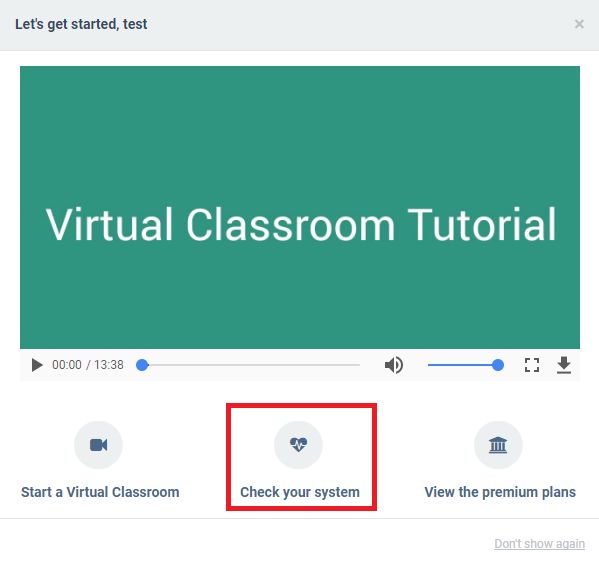
Alternatively, you can click the Check your system button on your dashboard.
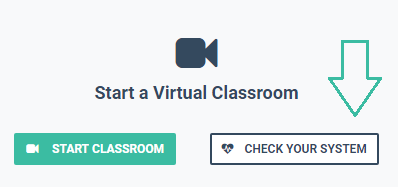
The system check outside the room would be useful to do an hour or so before your first live lesson with students or if you have made any software or hardware changes. This will give you enough time to contact our support team should you encounter any issues.

When you are ready to start the check, press Start.
The process is identical to the system check within the room. You will have access to helpful instructions and video tutorials in case you encounter any issues. Once again, please talk into the microphone during that specific step. You will be asked to confirm if you can hear the recording.
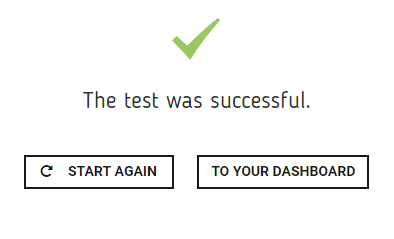
After all steps have finished successfully, you will gain access to the room.
Now that you are in the room, you might be interested to find out more about the tools you have at your disposal in it.

