
The LMS login process is the same for all users with registered accounts.
How to log into your LMS account
When accessing the LMS login page, use the Sign In button in the upper right corner to enter:

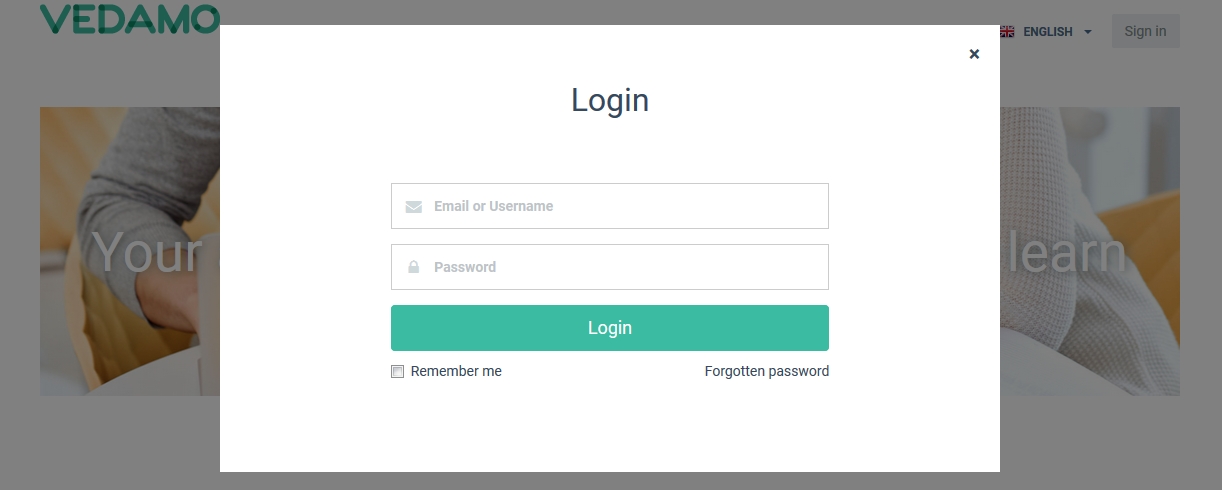
The Sign In button will then redirect you to the login page, where the system will ask you for your credentials (email and password):
How to recover your password
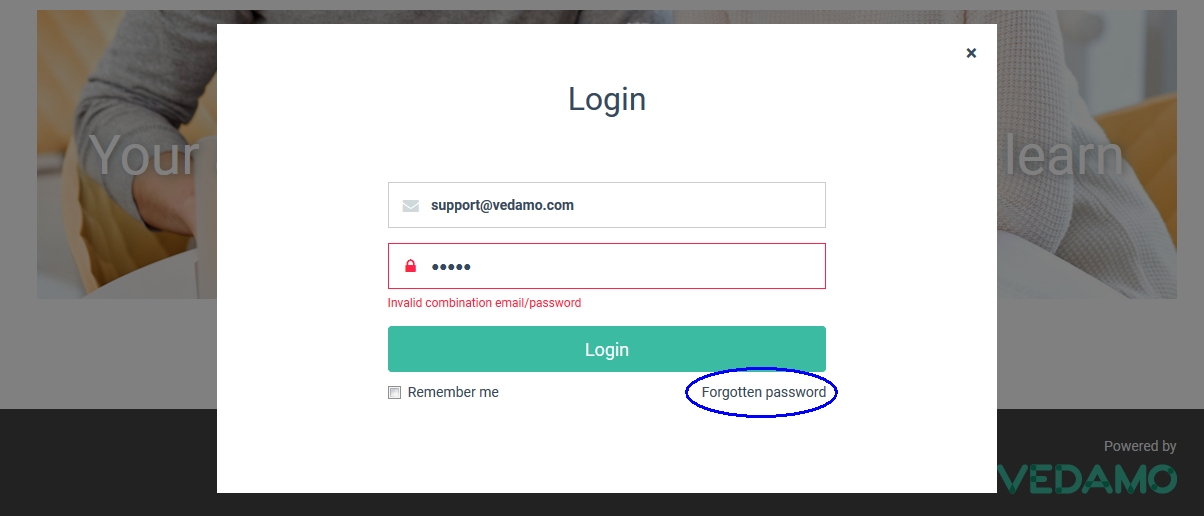
If you enter incorrect credentials, the system will alert you that it cannot find the credentials you are using. If you believe that you have made a mistake, you can try again with the correct email address and password. In case you have forgotten your password, you can use the Forgotten password link to try and recover it.
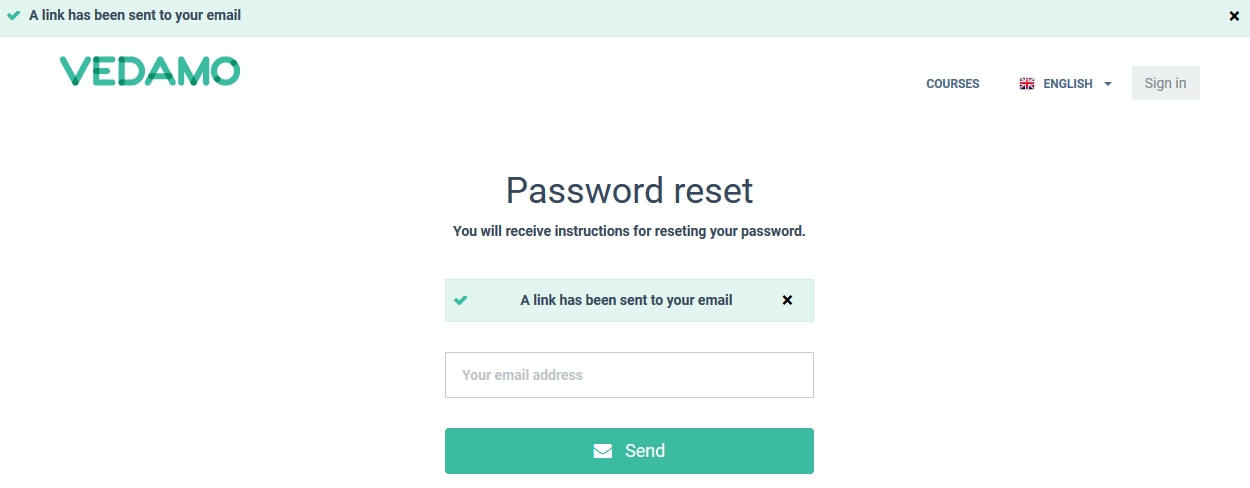
If you follow the Forgotten password option, the system will require your registered email address.

After that, a confirmation in the upper left corner will let you know that the system has sent you an email with a link. Check your email to find the link.
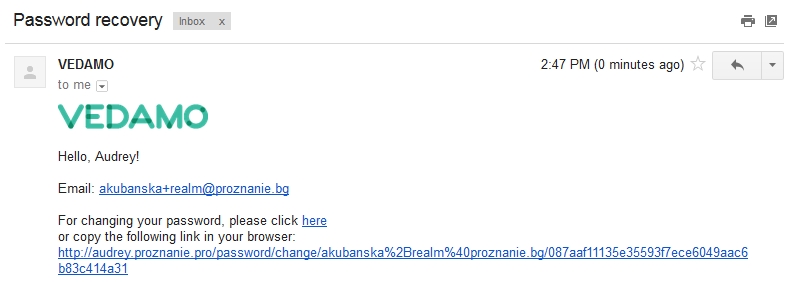
E-mail that you will receive content a link for reset the password with a new one.
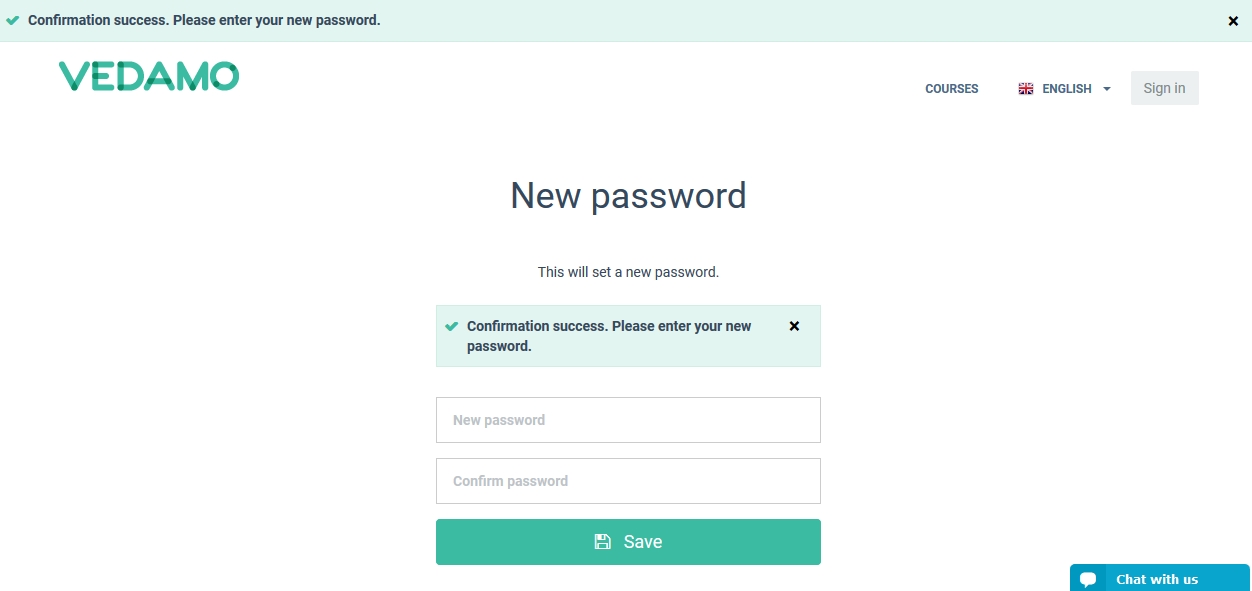
Type in your new password, confirm it and press the SAVE button. Then try to log in again.


No comments:
Post a Comment